
Are you a WURA member and not getting our communications?
Could be one of two reasons...
What to do:
1- Check your 'junk mail' or 'clutter' folder. It is possible that your e-mail software is filtering out WURA emails.
How to do this depends on your email provider and whether you are using a web version or application version of their email software.
If you are using the web version of outlook as many of us retirees are then you can check your 'clutter' folder to see if the emails are there.
In Outlook, click on your 'Clutter' folder. then either sort the From column or use the search bar and enter wura.

Tell Outlook that emails from WURA are important to you:
To specify that an email in the Clutter folder should go to the inbox, you can manually move the email back to the inbox. This action will signal to the Clutter system that the email is no longer considered low-priority and should be processed as such. By moving emails back to the inbox, you can ensure that important messages are not mistakenly categorized as low-priority and are instead prioritized for your attention.
To do this...
Open the email and click the MOVE button. Specifiy your INBOX and the email will be transfered out of clutter into your INBOX.
2- You may have previously unsubscribed from our mailing list. This sometime happens if a person clicks on the the 'unsubscribe' link at the botton of mail outs
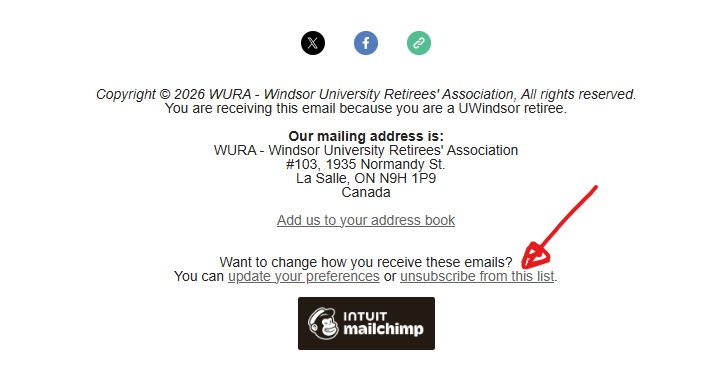
If you unsubscribed and you wish to resume getting our emails Please email your name and email address to nick@uwindsor.ca.
If neither are the case and you would like to verify that you are on the WURA email list, Please email your name and email address to nick@uwindsor.ca. We will verify that you are on our list and the communication was sent out to you.
Hope this helps.