All Stories

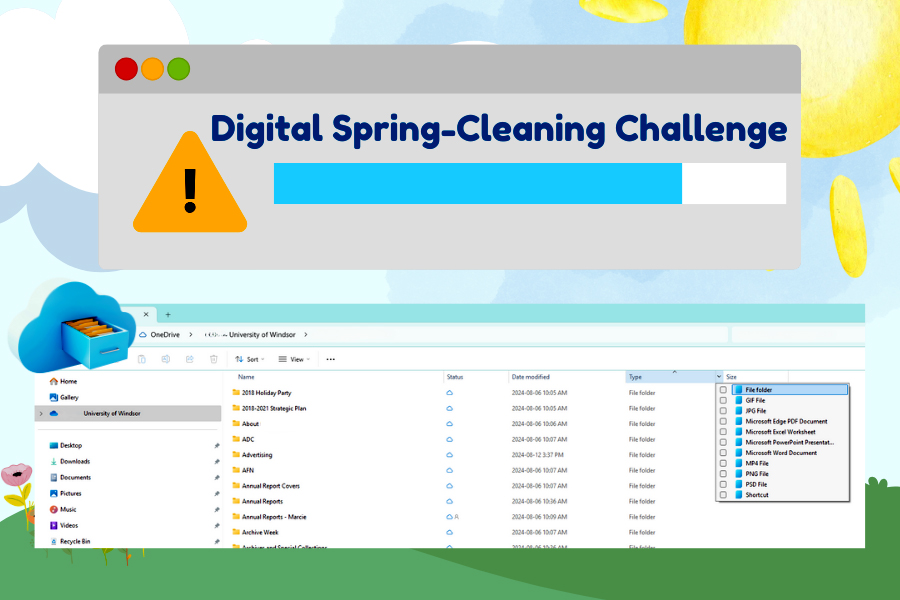
Digital Spring-Cleaning Challenge

Information Technology Services is launching a Digital Spring-Cleaning Challenge to clear up UWindsor OneDrive and Outlook accounts in advance of the upcoming Microsoft storage changes.

Complete any of the tasks outlined below and you can enter the Digital Spring-Cleaning Challenge draw to win a $50 UWinCash Gift Card.

Digital Spring-Cleaning Challenge Checklist:

  • Delete personal files from OneDrive
  • Delete duplicate or outdated files from OneDrive
  • Organize and archive important files and data
  • Empty your OneDrive recycle bin
  • Empty your downloads folder
  • Delete old emails from Outlook
  • Organize important emails
  • Empty your Outlook deleted and junk folders
  • Unsubscribe from emails and newsletters

Commit to the Digital Spring-Cleaning Challenge by signing up online.

As a reminder, beginning April 7, the following storage limits will be implemented:

Microsoft App

Employee
(Faculty/Staff/Sessional)

Student

Retiree

Alumni

OneDrive

20 GB

5 GB

10 GB

N/A

Outlook Mailbox

10 GB

5 GB

1 GB

5 GB

In addition, Teams and SharePoint sites will also be limited to 25 GB of storage and shared mailboxes will be limited to 20GB.

Refer to the Microsoft Storage Knowledge-Base articles to learn how to clean up your digital storage.

If you are currently using more than the allotted storage amounts for your account type listed above, you will need to start reducing duplicate and redundant data in your UWindsor Outlook email account and OneDrive to get below the threshold. Users who may require more than the allotted quota for work, academic, or research purposes can submit a request to IT Services for review.

digital declutter

Information Technology Services is reminding the campus community to clean up personal, redundant, duplicate and/or unused files in Microsoft OneDrive, SharePoint (Teams), Outlook accounts, and shared mailboxes due to upcoming storage changes.

The University of Windsor will implement new storage limits this spring in response to Microsoft’s changes in global storage limits for universities and colleges.

The changes to Microsoft’s storage options have prompted universities worldwide to modify storage offerings.

Beginning April 7, the following storage limits will be implemented:

MS365 App

Employee (Faculty/Staff/Sessional)

Student

Retiree

Alumni

OneDrive

20GB

5GB

10GB

N/A

Outlook Mailbox

10GB

5GB

1GB

5GB

Shared Mailbox

20GB per shared mailbox

SharePoint (Teams)

25GB per SharePoint

If you are currently using more than the allotted storage amounts listed above, you will need to start reducing personal, redundant, duplicate, or unused data to get below the threshold. Users who may require more than the allotted quota for work, academic, or research purposes can submit a request to IT Services for review.

Note: University of Windsor storage should be used only for professional and academic matters. All personal files should be removed.

IT Services has prepared knowledge-base articles to help users with this process.

Any OneDrives or SharePoints (Teams) over-quota as of May 1 will be accessible in read-only mode. Users won't be able to upload, edit, or sync new files to their OneDrive, and existing files will remain as read-only. Users, however, will still be able to download and delete files. In addition, Outlook accounts and shared mailboxes that exceed the allotted quota will not be able to send or receive emails.

The Microsoft 365 service offering is always evolving, and in the upcoming months and years, IT Services anticipates that Microsoft will initiate further changes that will impact users. Its staff appreciates your patience as it works through the changes.

If you have any questions about these changes, reach out to IT Services.

T4 slip

All active employees who currently have access to UWinsite People will be able to retrieve their 2024 T4 slips directly through the system no later than Friday, Feb. 28, the University’s Payroll team has announced.

Retirees and former employees who no longer have access to UWinsite People will receive a copy of their T4 slips mailed to their home address on file.

For instructions on how to locate your T4 slip in UWinsite People, review the Knowledge Base article: How Do I Find My T4 in UWinsite People?

If you experience any issues or have any questions about accessing your T4 slip, submit a UWinsite People helpdesk ticket, and a member of the Payroll team will respond to your inquiry.

digital de-clutter

Information Technology Services encourages the campus community to clean up personal and unused files in Microsoft OneDrive and Outlook accounts due to upcoming storage changes.

The University of Windsor will implement new storage limits this spring in response to Microsoft’s changes in global storage limits for universities and colleges.

The changes to Microsoft’s storage options have prompted universities worldwide to modify storage offerings.

The IT Services team has begun the necessary changes to bring the University’s storage systems in line with the new storage limits. Now the campus community’s help is needed too.

Beginning April 7, 2025, the following storage limits will be implemented:

Microsoft App

Employee
(Faculty/Staff/
Sessional)

Student

Retiree

Alumni

OneDrive

20 GB

5 GB

10 GB

N/A

Outlook Mailbox

10 GB

5 GB

1 GB

5 GB


If you are currently using more than the allotted storage amounts for your account type listed above, you will need to start reducing duplicate and redundant data in your personal Microsoft Outlook email and OneDrive to get below the threshold. Users who may require more than the allotted quota for work, academic, or research purposes can submit a request to IT Services for review.
Note: University of Windsor Outlook and OneDrive storage should only be used for professional and academic matters. All personal files should be removed.

IT Services will be emailing individuals who are over-quota as well as sharing digital decluttering tips and tricks. In the meantime, to check your current storage capacity the following resources are available:

Any OneDrive accounts over-quota as of May 1, 2025, will be accessible in read-only mode. Users won't be able to upload, edit, or sync new files to their OneDrive, and existing files will remain as read-only. However, users will still be able to download and delete files. In addition, users with Outlook accounts that exceed the allotted quota will not be able to send or receive emails.

The Microsoft 365 service offering is always evolving, and in the upcoming months and years, IT Services anticipates that Microsoft will initiate further changes that will impact users. Its staff appreciates your patience as it works through the changes with you.

If you have any questions about these changes, reach out to IT Services.

letters labelled from Santa

In the spirit of the season and in celebration of Giving Tuesday, Information Technology Services in collaboration with Public Affairs and Communications and the University Print Shop, will provide letters from the North Pole to help spread extra cheer to you and your family.

On Dec. 3, you can pick up a letter from the North Pole for the true believers in your life, with four different letter design options available. These letters will be distributed on a first-come, first-served basis, so be sure to grab yours while supplies last!

They’ll be available starting at 3 p.m. Tuesday in the CAW Student Centre Commons.

Organizers encourage, but do not require, employees to bring a donation for the student food bank or clean, new or gently used winter coats and snow pants of any size for the Giving Tuesday campaign when picking up their letters.