All Stories

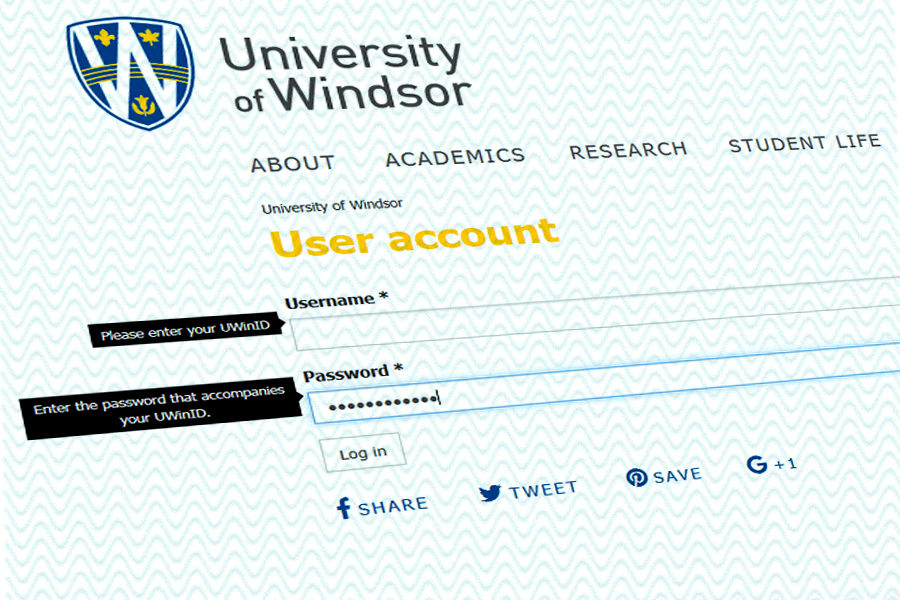
screen showing sign-in

The University has recently adopted the Digital Password Management Policy to go into effect in February 2018, coinciding with the launch of UWinsite Finance.

Upon first accessing UWinsite Finance, users who haven’t changed their UWin password in the last four months (120 days) will be required to do so before they can sign into the new system.

To find out when you last changed your password, go to the My UWin Account page. Information Technology Services recommends that you change all passwords every few months to be on the safe side.

Since the requirement to change your password regularly increases the likelihood that you may forget it, IT Services strongly recommends that you configure Security Questions. Once your Security Questions are created, you can reset your forgotten password anytime using the online self-service option.

For more information or to request assistance, visit the UWin Self-Service Portal at uwindsor.ca/help.

sign-in screen

Compromised accounts and unauthorized access is a major issue for institutions and individuals who use computers or high-tech devices such as smartphones or tablets. The consequences can include the loss of valuable data, identity theft, and privacy breaches.

“One of the ways hackers break into IT systems and devices is by cracking passwords,” says Kevin Macnaughton, acting manager of Client Services and Technology in IT Services. “Weak and commonly-used passwords enable people with malicious intent to gain easy access.”

A password that is difficult to guess, however, makes it more difficult for hackers to break in and often deters them enough to look for another target.

“The more difficult the password, the lower the likelihood that one’s account will become compromised,” says Macnaughton.

To help address this issue, changes have recently been implemented to strengthen UWin account passwords.

Starting December 1, anyone who changes their UWin account password will be required to pick a new password with a minimum length of 10 characters (up from eight) that contains at least one of each of the following:

  • special character (new requirement);
  • uppercase letter (no change);
  • lowercase letter (no change); and
  • numerical digit (no change).

Special characters can include spaces and any other non-alphanumeric characters, such as a dollar sign ($), ampersand (&), or at sign (@).

To learn more about your UWin account or to change your password, visit uwindsor.ca/myuwinaccount.


Ericka Greenham

telephone handset

Maintenance work to the campus telephone system will take it offline overnight after the University closes Friday, December 22.

The entire telephone system will go silent sometime between 7 and 8 p.m. Friday evening. Work will proceed over the next seven hours and the system is projected to be back online by 3 a.m. Saturday.

While the telephone system is down, there will be no dial tone on any phones on campus. Traditional phones will be without power. VoIP phones will appear operational, but will be unable to connect. There will be no answer if someone dials the University and voicemail will be unavailable. Emergency phones also will not work.

In case of emergency on campus during this period, use a mobile phone to call 911. Windsor Police Services will relay the call to Campus Police. Direct any questions or concerns to IT Services at 519-253-3000, ext. 4440.