
All Stories

Organizational information is now available in Office 365 applications (Outlook, Teams, etc.) for faculty and staff members.  The information is taken from the official Human Resourece data sources. This information is only avalable to on-campus users.The location and functionality of this information depends on the app being used.

Outlook Client

If you click on the avatar photo of a sender (or their intiials), there is now an Organization section that will show who they report to.

If you are viewing a calendar in Outllook, you will now have Team calendars that comprise of people that report to the same person you do, or a team of people that report to you.


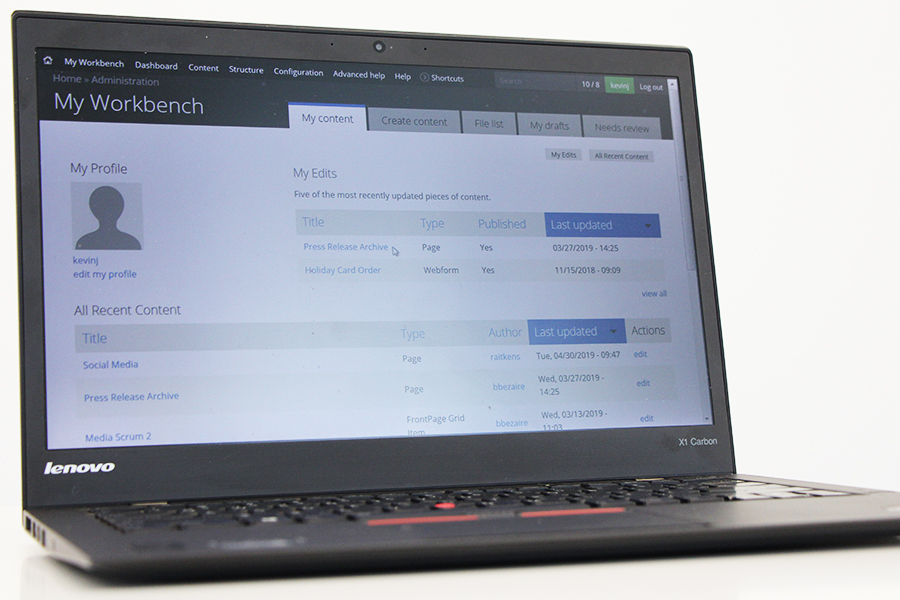
laptop displaying Drupal screens

A free class Tuesday, June 25, will teach the basics of the Drupal content management system to staff and faculty responsible for maintaining UWindsor websites.

Website Basic Training will show site editors how to create pages and events, upload graphics, and use menus and blocks, says instructor Rob Aitkens, web development team lead in Information Technology Services.

He will also cover University and legislative guidelines for posting content.

The class is required for all employees responsible for maintaining UWindsor websites and is valuable for those with little previous experience with the system, for those upgrading their sites from version 6 to 7, or as a refresher. It will run 1:30 to 4 p.m. in G101, Leddy Library. Registration is required through this online form.

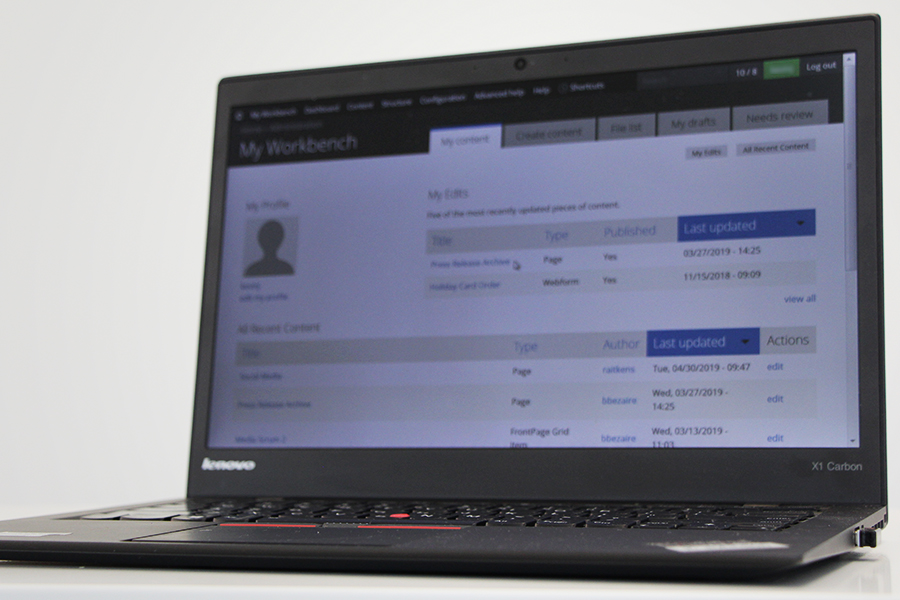
computer displaying Drupal input screen

A free class Tuesday, May 28, will teach the basics of the Drupal content management system to staff and faculty responsible for maintaining UWindsor websites.

Website Basic Training will show site editors how to create pages and events, upload graphics, and use menus and blocks, says instructor Rob Aitkens, web development team lead in Information Technology Services.

He will also cover University and legislative guidelines for posting content.

The class is required for all employees responsible for maintaining UWindsor websites and is valuable for those with little previous experience with the system, for those upgrading their sites from version 6 to 7, or as a refresher. It will run 1:30 to 4 p.m. in the University Computer Centre’s lower-level classroom. Registration is required through this online form.
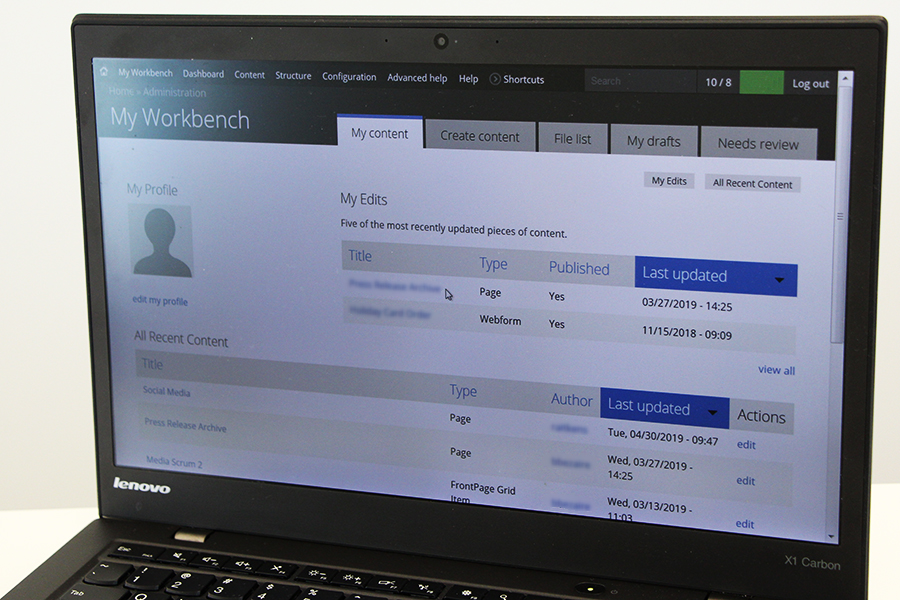
women using computer

Microsoft will end its support of Windows 7 and Office 2016 in 2020. The company will stop sending updates for Windows 7 in January 2020, and will block users from reading email and accessing OneDrive documents from older versions in October of 2020.

Information Technology Services and departmental computer technicians are working on a plan to upgrade approximately 3,000 desktop computers to bring them into the Modern Desktop. With everyone using consistent technology, the entire campus will be more secure and positioned to fully use the latest Microsoft tools to collaborate with faculty, staff, and students. This upgrade will allow the UWindsor community to “reimagine communication” with Office 365.

This project — estimated to take 14 months — will roll out department by department, with education and support customized as necessary. To help prepare the best support for campus colleagues, IT Services requests every employee to complete this short readiness survey.

For more details, visit the IT Service Web Page (www.uwindsor.ca/itservices). Direct any questions or concerns through the IT Service Desk at 519-253-3000, ext. 4440.

Windows 7 and Office 2016 will be reaching the end of support in 2020. As a result, Microsoft will stop sending updates for Windows 7 in January 2020, and the ability to read your email and access OneDrive documents from older versions will be blocked by Microsoft in October of 2020.

IT Services and departmental computer technicians are working on a plan to upgrade approximately 3,000 desktop computers to bring them into the Modern Desktop. With everyone using consistent technology, the entire campus will be more secure and positioned to fully use the latest Microsoft tools to collaborate with faculty, staff, and students. This upgrade will allow the UWindsor community to reimagine communication with Office 365.

This estimated 14 month project will roll out department by department, with education and support customized as necessary. To help us plan for the best support for you and your colleagues, we ask that every employee complete the readiness survey.

Take the First Step: Fill Out the Readiness Survey

For more details, visit the IT Service Web Page (www.uwindsor.ca/itservices). If you have any questions or concerns, please contact us through the IT Service Desk at extension 4440.