
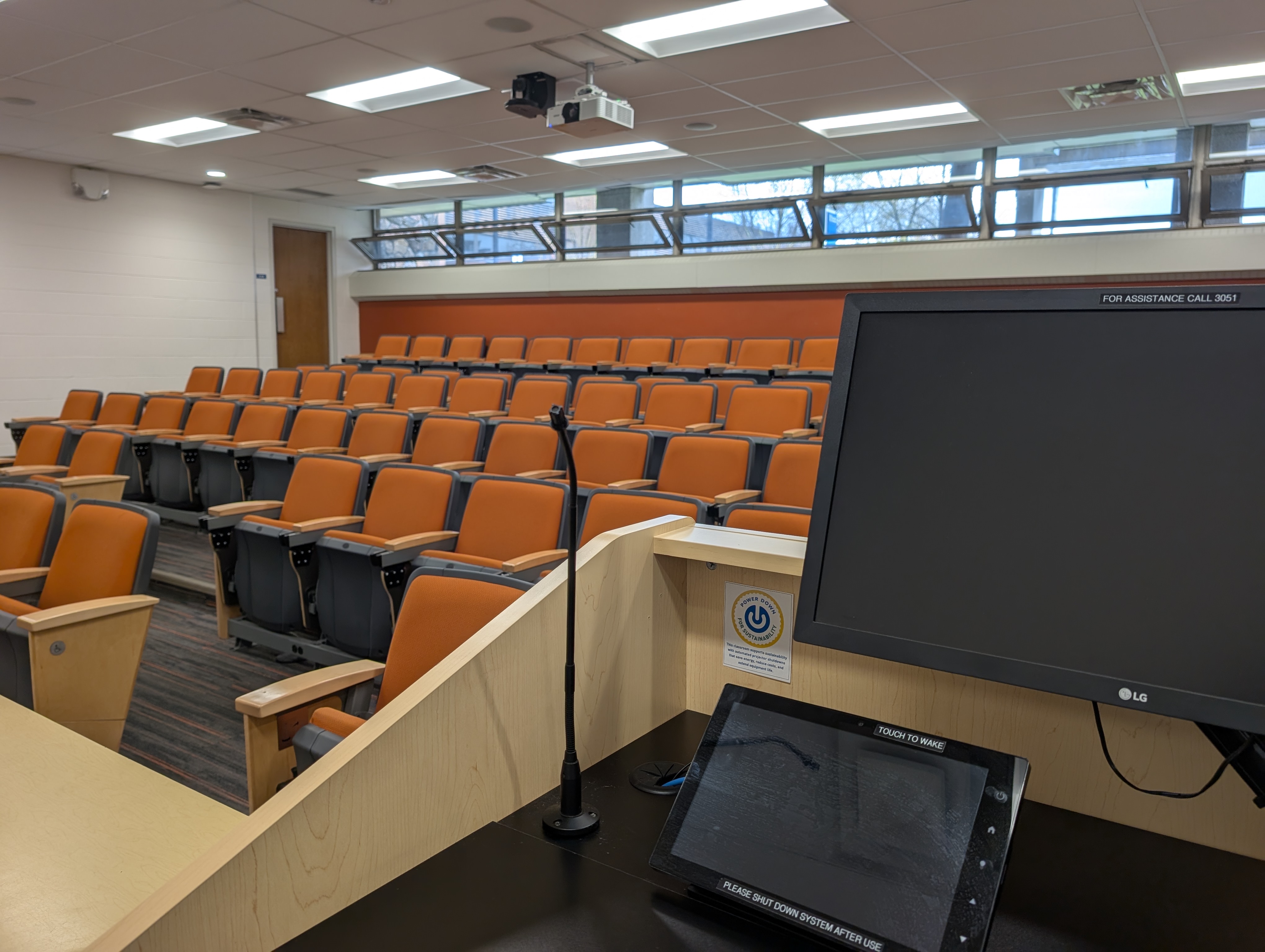
A new programming initiative led by the University of Windsor’s IT Services and Sustainability Office is helping the campus save resources by automating the shutdown of classroom audiovisual (AV) systems.
Designed to automatically power down classroom AV systems after periods of inactivity, the initiative will help the University reduce energy consumption, cut operational costs, extend the life of expensive equipment, and support sustainability goals.
Classroom equipment is sometimes left running between classes, overnight, and on weekends. Estimates suggest that if projectors are routinely left on after evening classes or over weekends, the university could lose hundreds of dollars per week in wasted electricity.
Audiovisual technicians in IT Services have been exploring practical ways to improve efficiency and sustainability and have developed an automated timer system that switches off equipment when it is no longer in use.
To date, seven classrooms have been updated, and the AV team will continue to roll out the initiative across campus, upgrading additional classrooms each semester.
“When projectors are left running overnight or over the weekend, that’s where we see significant waste,” said Asheque Habib, team leader of classroom AV technology.
“Ten extra hours overnight may not seem like much, but across hundreds of classrooms, it adds up quickly.”
Even more significant is the wear and tear on the equipment itself. With projectors ranging in cost from $4,000 to as much as $40,000, reducing unnecessary run time can extend their lifespan and delay costly replacements.
“Initiatives like this demonstrate how small, scalable changes can deliver meaningful energy savings across campus,” said Nadia Harduar, sustainability officer.
“By reducing idle power consumption, AV services are aligning their day-to-day operations with the University's long-term commitment to energy efficiency and responsible resource management.”
The initiative directly addresses Priority 2 “Reducing our Environmental Impact” of the University’s Sustainability Framework (2024-29).
In addition to supporting sustainability and operational efficiency, the initiative will benefit instructors by ensuring each class begins with a fresh system start, reducing disruptions caused by updates and equipment issues.
Classrooms updated through the initiative will be marked with a sustainability badge, making it easy for students, faculty and visitors to recognize spaces that actively support the university’s environmental goals.
With Earth Day on April 22, the initiative is a timely reminder that opportunities to support sustainability – whether in classrooms, offices or at home – help reduce unnecessary energy waste.
To learn more about campus sustainability initiatives or find ways to get involved, visit https://www.uwindsor.ca/sustainability/